Phanes
DApp
A real-time analytics dashboard for calls from Telegram and Discord groups.
On this page
#Overview
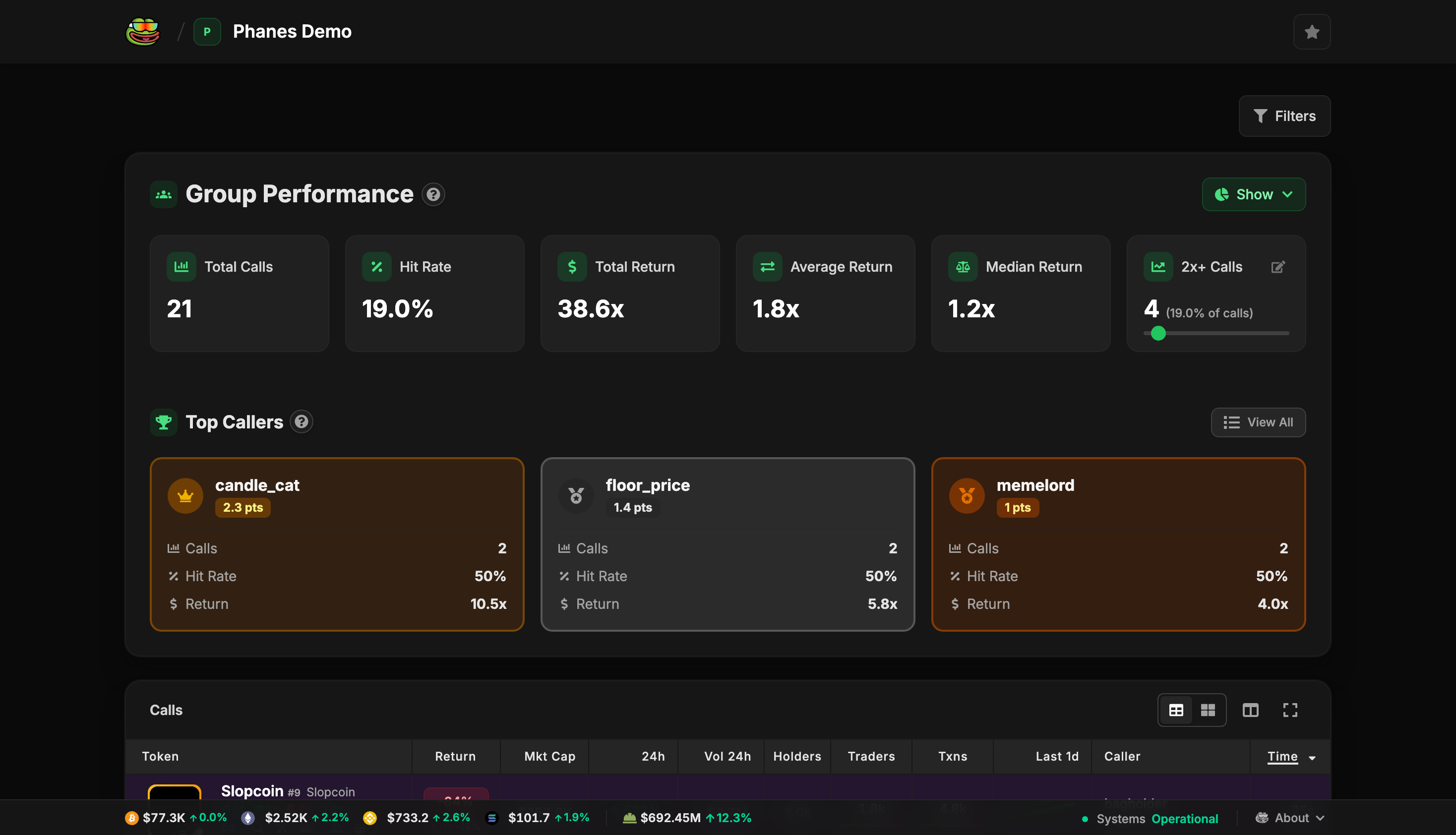
The Phanes DApp is a dashboard to track, analyse and compare calls from your groups.
Open your group's dashboard with:
/dapp
#Features
#Leaderboard Tracking
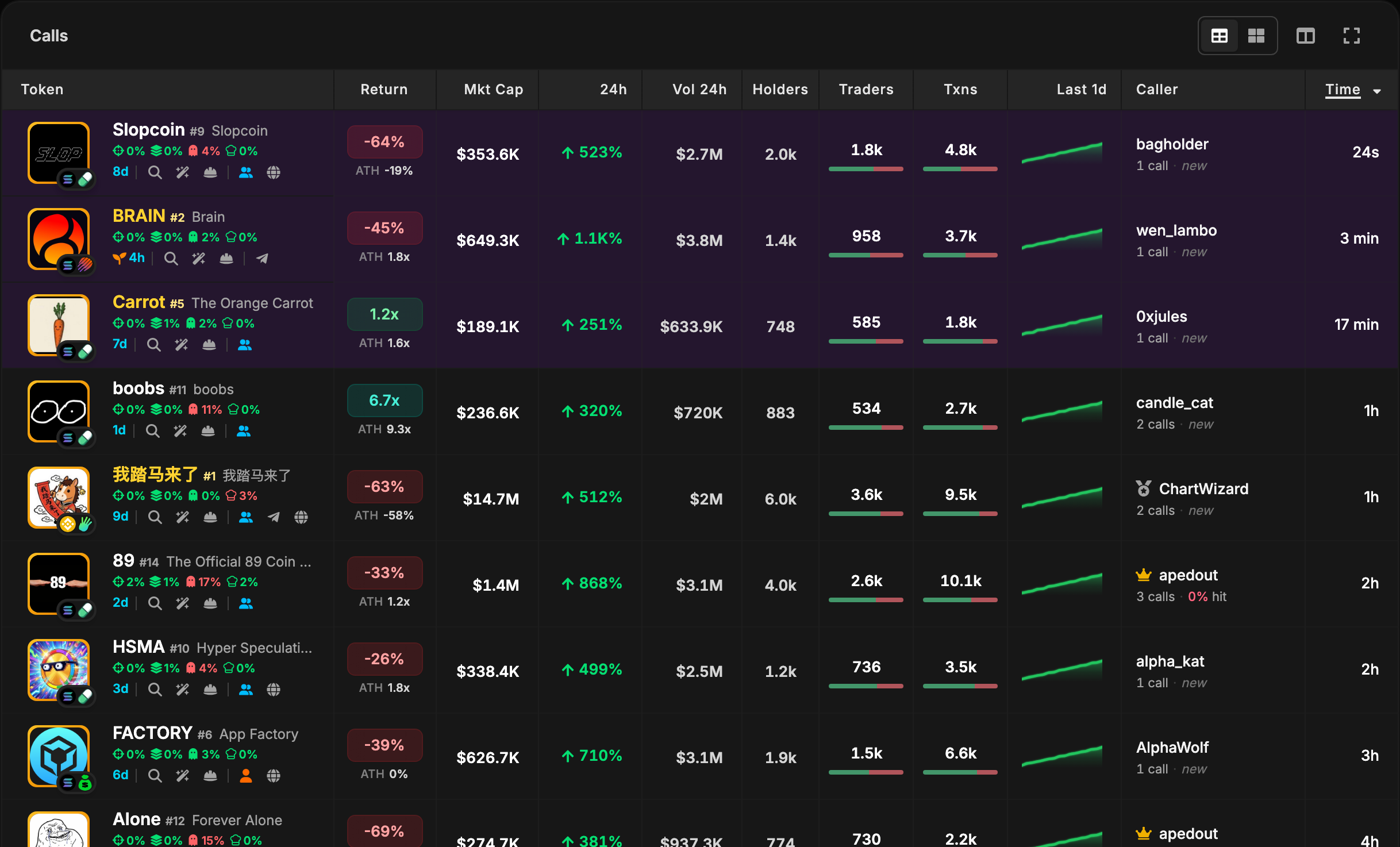
- View all calls from your group in a sortable table
- Track returns, market caps, volumes, and price changes
- Filter and search calls by various criteria
- Switch between List view and Card view with the toggle above the table
- Hover a caller for their last 1, 3 or 7 days: calls, hit rate, returns, best and worst call
#Real-Time Updates
- Live price updates with automatic refresh
- Real-time market data including volumes and holders
- WebSocket connection for instant updates
- Pop-up alerts for new calls, x-returns and migrations. Try them with Preview alerts on the demo
#Favorite Groups
- Star up to 10 groups and switch between them from the header
- Each group shows its picture, with a Telegram or Discord badge
- Drag to reorder, search a long list, undo a removal
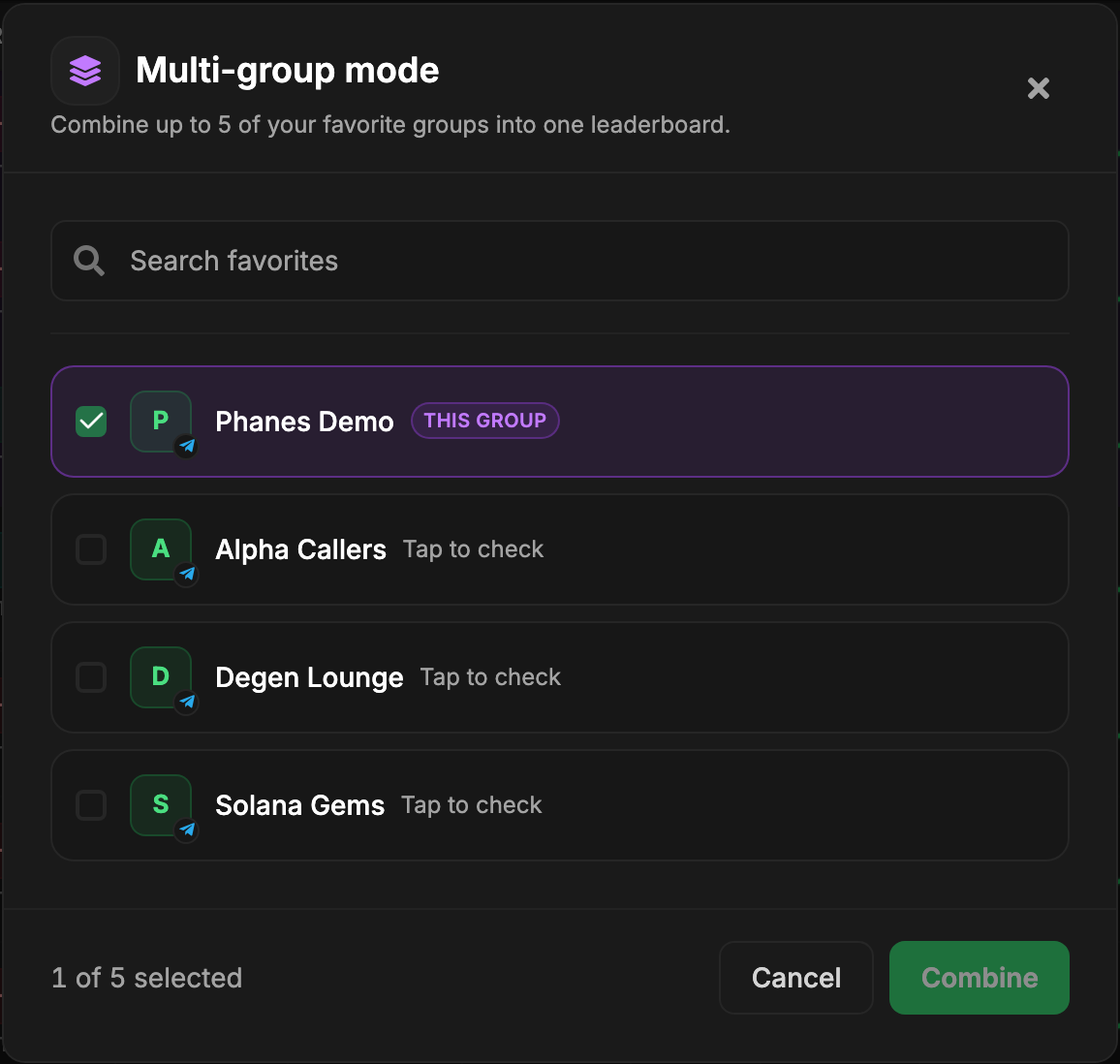
#Multi-Group Mode
- Combine the calls of several groups into one leaderboard
- Track calls from different Telegram or Discord groups side-by-side
- Unified dashboard for all your groups
To access the Multi Mode, click on the  button in the header. You can combine up to five groups. The combined groups are kept in the page link, so the view survives a reload and can be shared. The Group column sorts by how many of the combined groups called a coin, and the 2+ groups button keeps only those calls. Timeframes that need boosts are not available while groups are combined, so the longest is 2 months.
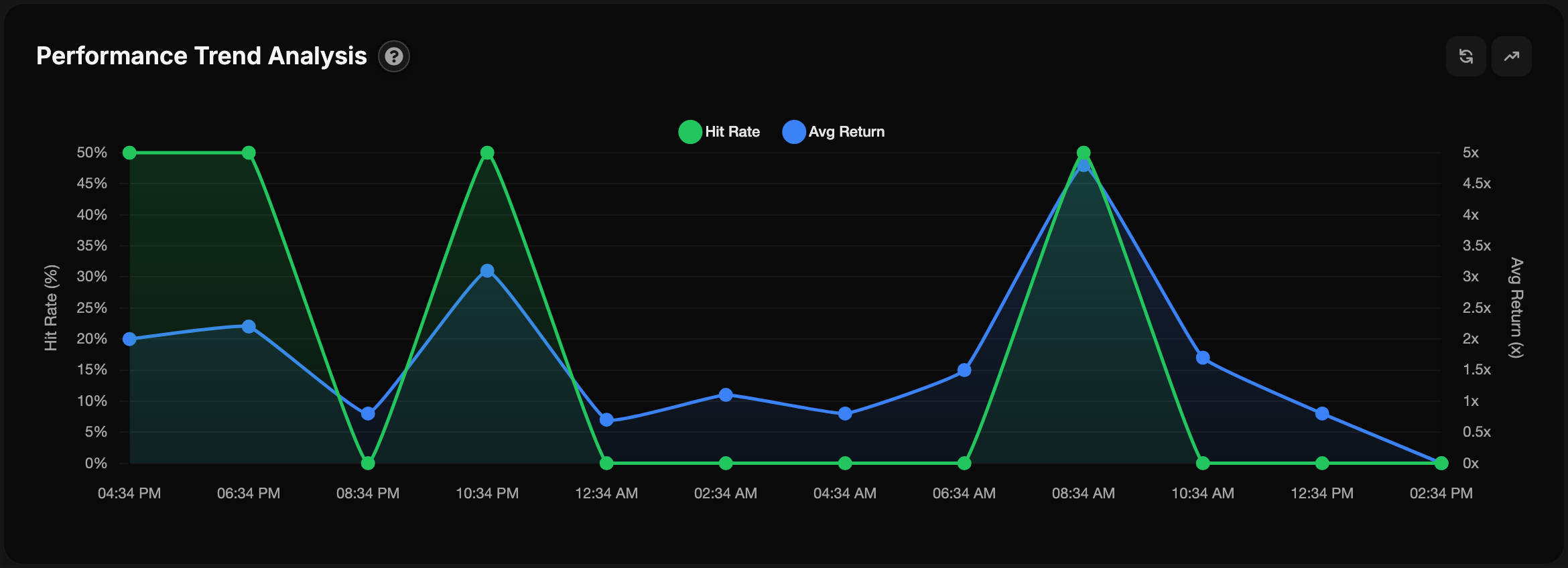
#Advanced Analytics
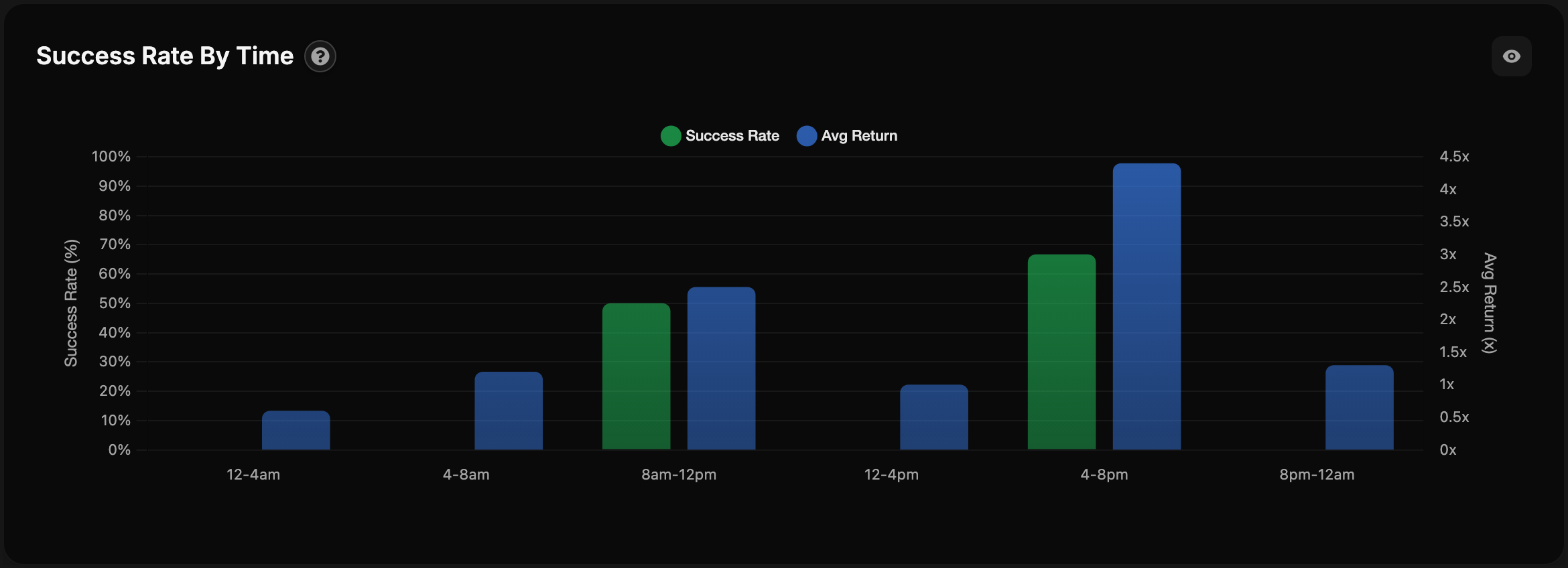
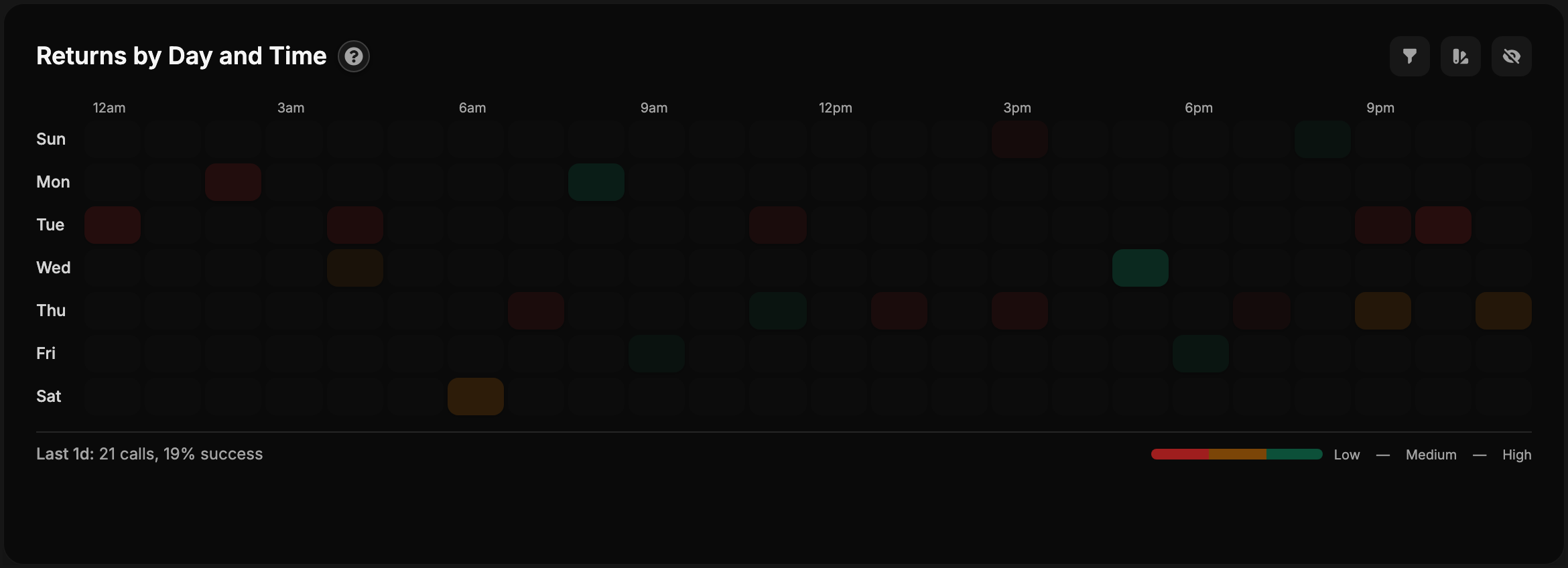
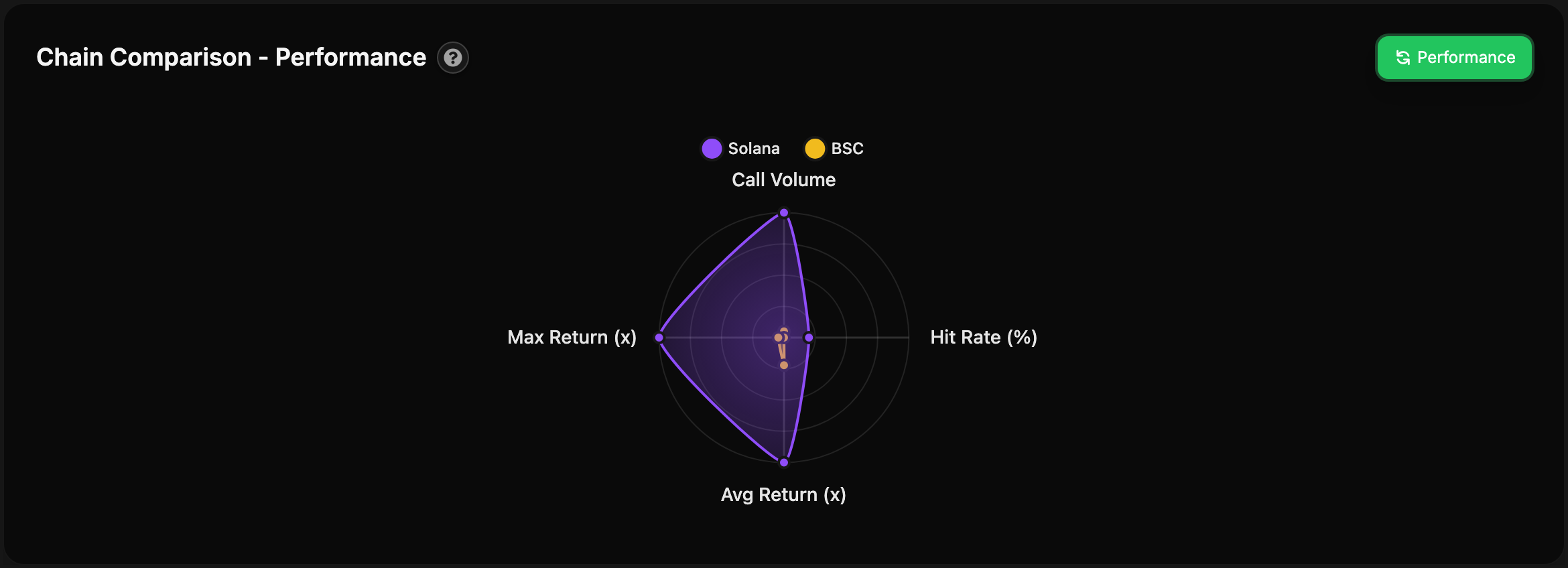
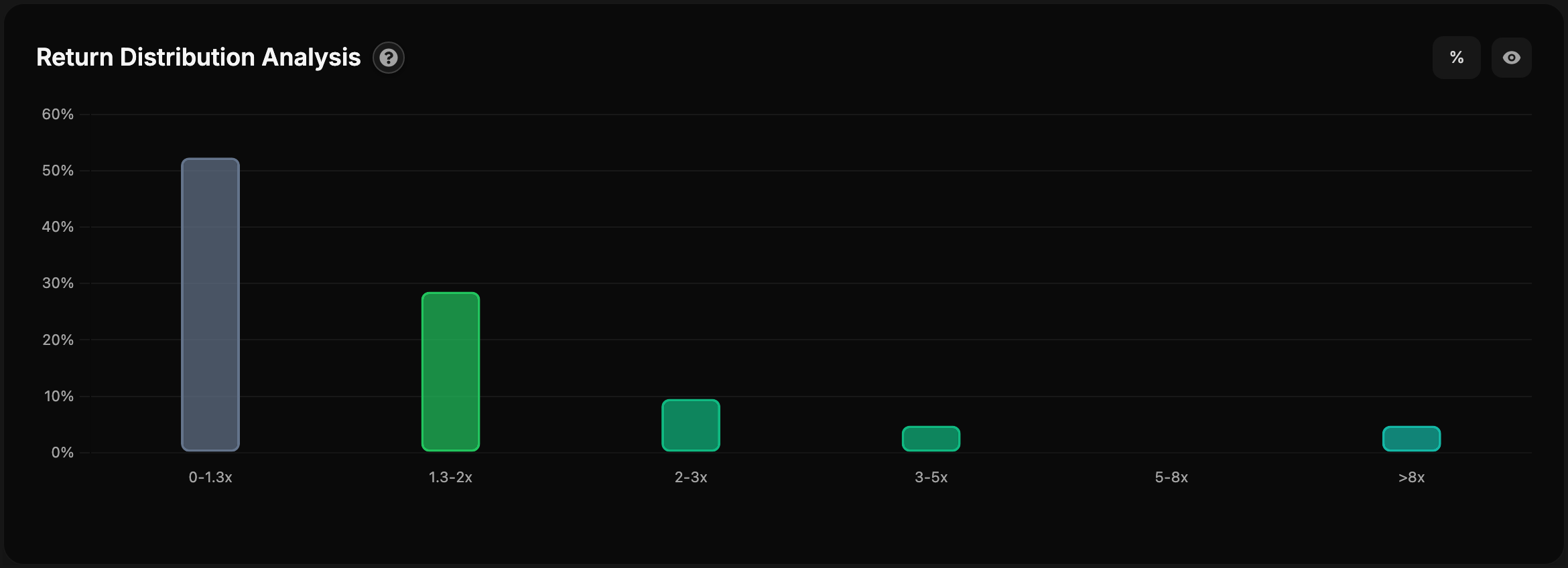
#Trending Board
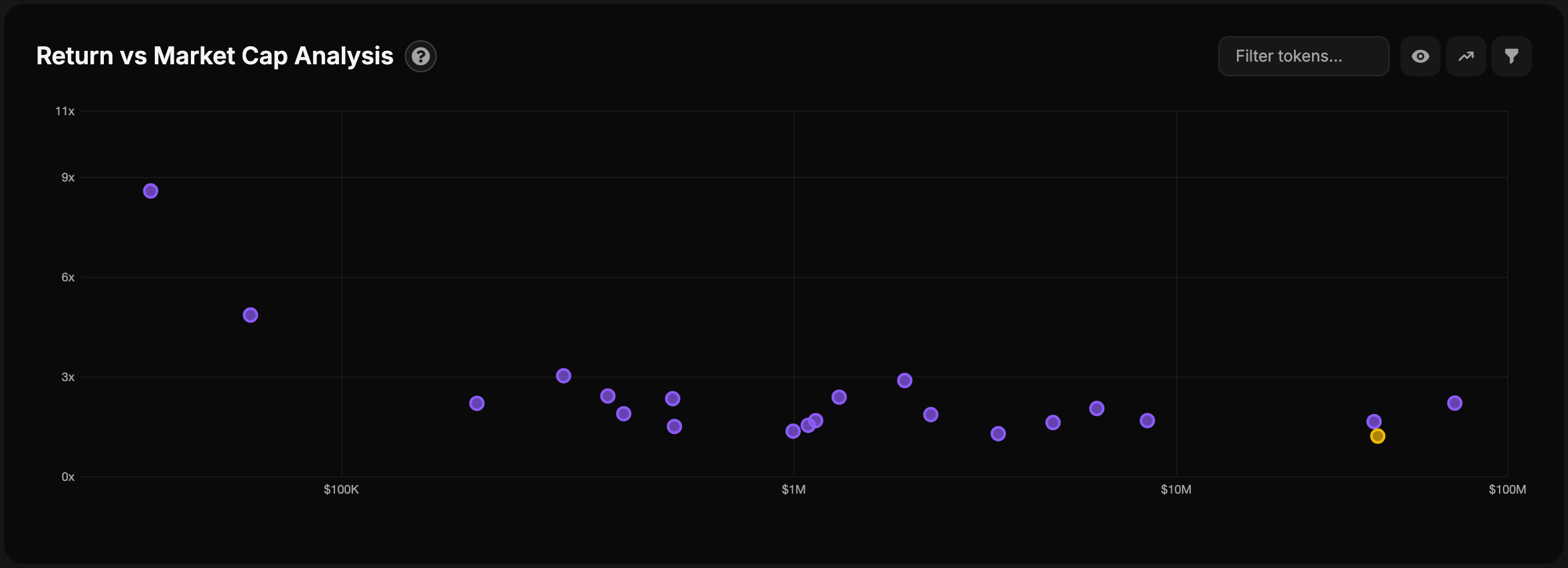
The trending board ranks trending coins across chains by real-time performance and volume, from organic data. It has three tabs, Coins, Tweets and Runners.
#Trench Stats
Launchpad activity for SOL, BSC and RH, or all three in Total: the same data as /tren, with up to eight launchpads per chain. Open it from the button next to the SOL price in the footer, or from the menu on a phone.
#Filters
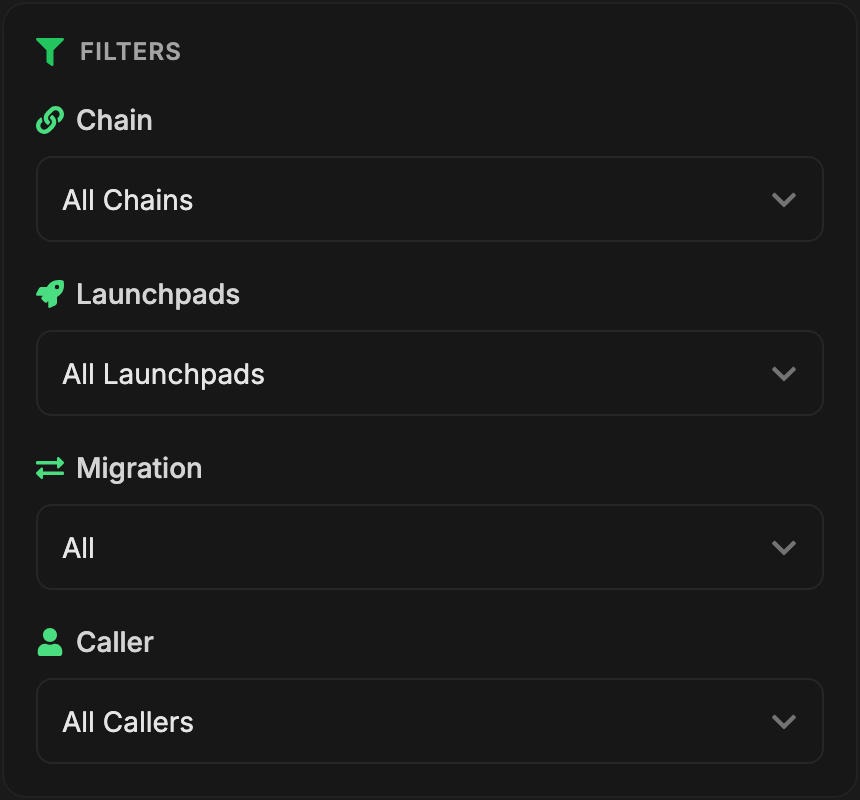
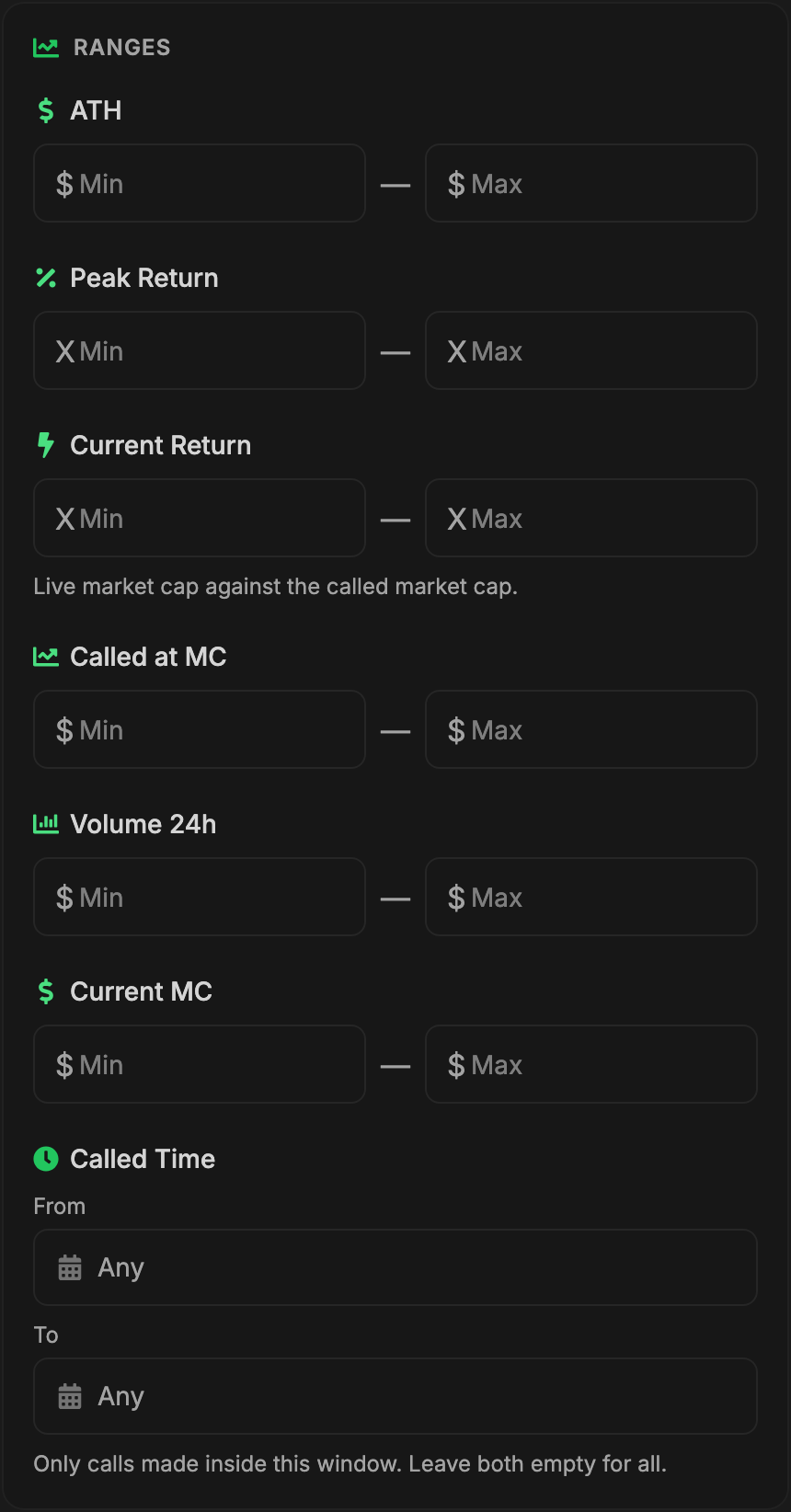
Refine the leaderboard results to focus on specific calls.
| Filter | What it does | Type |
|---|---|---|
| Chain | Blockchain network — Ethereum, Solana, Base and more | Pick |
| Caller | A specific caller; search by name to find one fast | Pick |
| Launchpads | Platforms — Pump.fun, Bonk, BAGS and more; pick one or several | Multi-pick |
| Migration | Launchpad tokens by migration — All, Migrated, Not Migrated | Pick |
| Timeframe | Time period — 1 hour, 1 day, 1 week and more. From 3 months needs boosts: 3mo = 1, 4mo = 2, 5mo = 3, 6mo = 4 | Pick |
| Token Search | A token by name, symbol or contract address | Search |
| ATH | All-time-high market cap reached | Range |
| Called at MC | Market cap at the time of the call | Range |
| Current MC | Live market cap | Range |
| Volume 24h | 24-hour trading volume | Range |
| Peak Return | Highest multiple reached after the call — 2x means doubled |
Range |
| Current Return | Live multiple, current MC against called MC. Min 2 shows calls up 2x or more now, like /calls <timeframe> <multiple>x |
Range |
| Called Time | When the call was made, set from calendar dropdowns | Range |
| Comparison Mode | Shows filtered and unfiltered stats side by side | Toggle |
All filters can be combined to create precise searches. Active filters are shown as badges above the table.
#Settings
Customise your experience through the Settings menu.
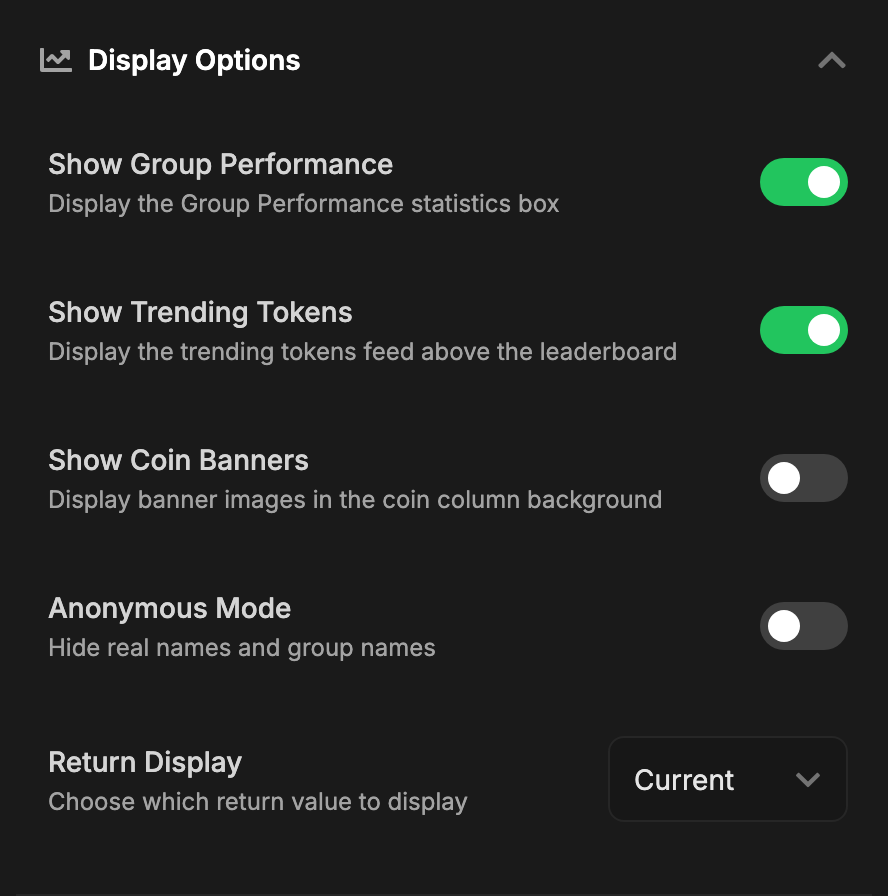
#Display Options
| Setting | What it does |
|---|---|
| Return Display | Choose which return to show — Current or ATH |
| Show Group Performance | Display the Group Performance statistics box |
| Show Trending Tokens | Display the trending tokens feed above the leaderboard |
| Show Coin Banners | Display banner images in the coin column background |
| Full Width Table | Stretch the table to the full browser width (desktop only) |
| Anonymous Mode | Hide real names and group names |
#Columns
- Show or hide any column in the leaderboard
- Drag and drop to reorder columns
- Customize which data you want to see
- The Coin column is always visible
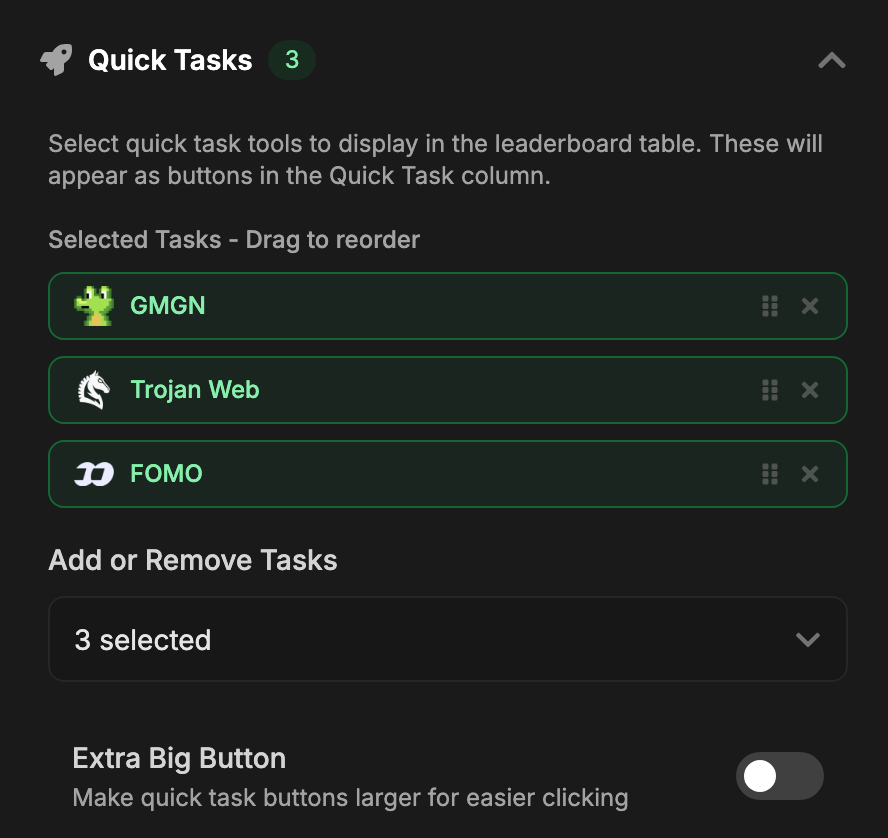
#Quick Tasks
- Select quick task tools (AXIOM, GMGN, Terminal, etc.) to display in the table
- Drag to reorder quick task buttons
- Extra Big Button option for easier clicking
- Quick tasks appear as buttons in the leaderboard for instant access
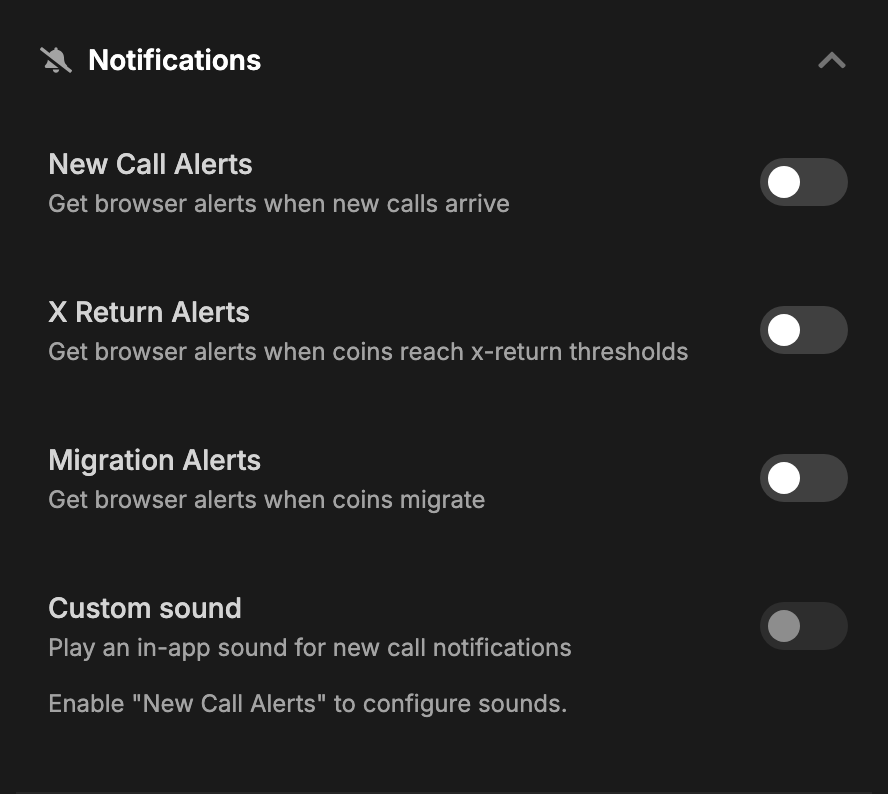
#Notifications
| Setting | What it does |
|---|---|
| New Call Alerts | Browser alerts when new calls arrive |
| X Return Alerts | Browser alerts when coins reach x-return thresholds |
| Migration Alerts | Browser alerts when coins migrate |
| Custom Sound | An in-app sound for new calls, with volume control |
All four need browser notifications allowed for the site.
#Interface